
From consultation to payment.One workflow.

Open images, consultation notes and reports in the same patient file. Plan appointments with your team and keep track of outstanding payments.

With MyKlinik, manage patient files , appointments, consultation notes , device images and payments in one place.

A smiling physician with eyes closed in the sunlight

From consultation to payment, stay in control.

Images, consultation notes, payments and consent: the tools you need each day, connected to the same patient file.

Open images from the patient file.

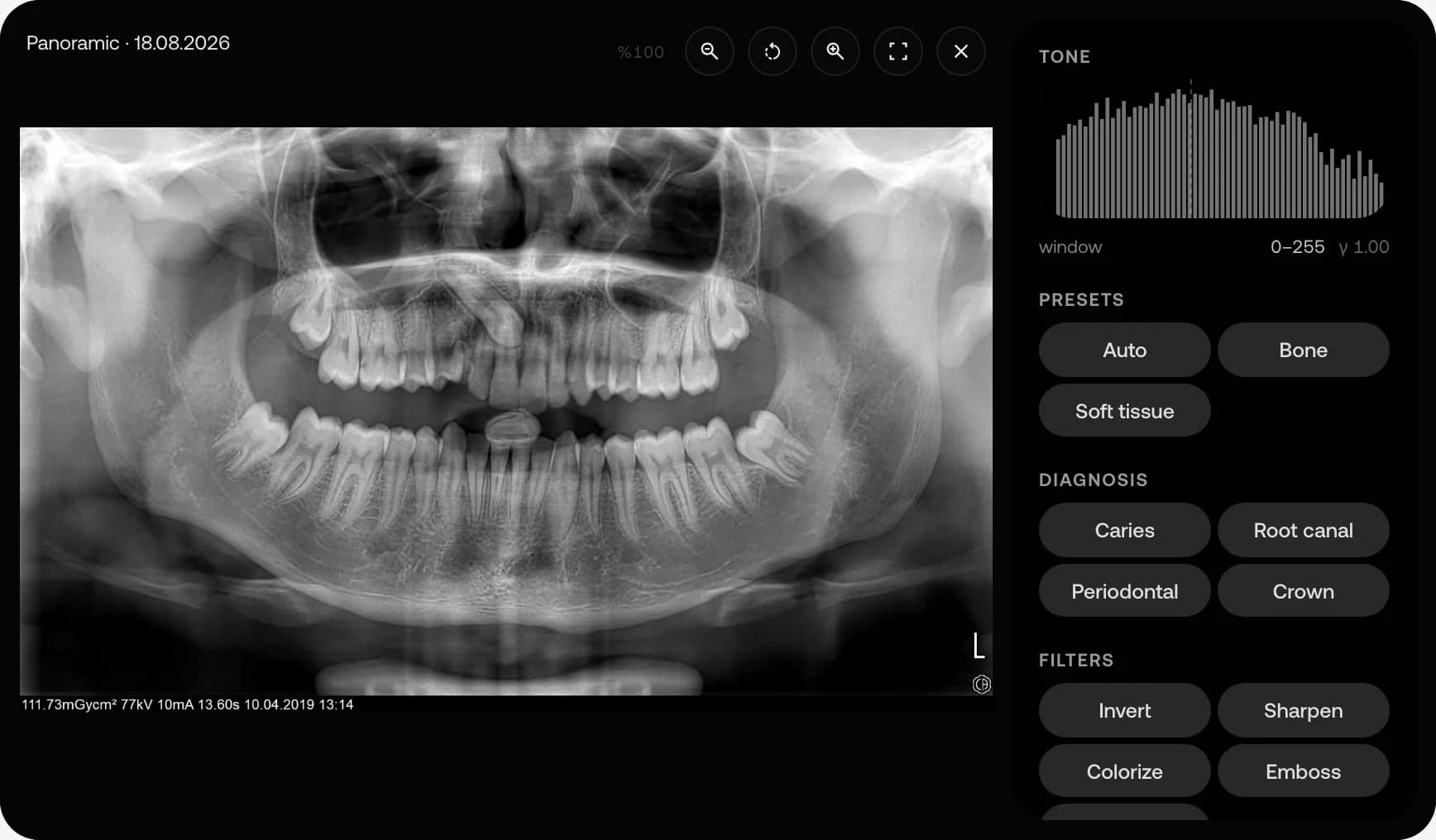
Bring ultrasound, X-ray and CBCT images into your patient file with Bridge. Continue reviewing and measuring in your browser.

  • Import DICOM and JPEG/PNG files from a folder
  • Worklist on compatible devices
  • Cine playback, measurements and CBCT slices
Explore imaging
MyKlinik BridgeFrom device to patient file
Connected
A sample dental panoramic image in the MyKlinik viewer
Images, reports and history in the same patient record.

Prepare your note by speaking.

Dictate your consultation note to get a SOAP draft with Turkish medical terminology corrected. You make the final check: review, edit and save the note.

  • A structured consultation note from your dictation
  • Suggested patient and appointment records from spoken input
  • Preview and physician approval before saving
See how dictation works

Start collecting with a payment link.

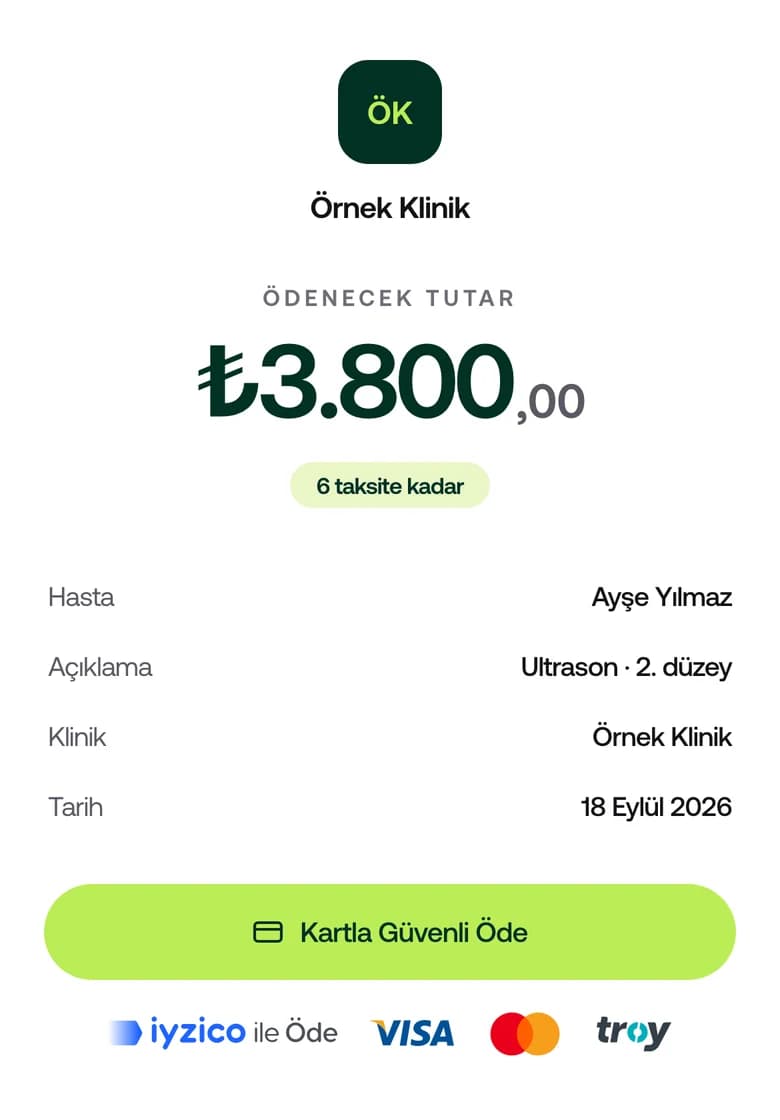
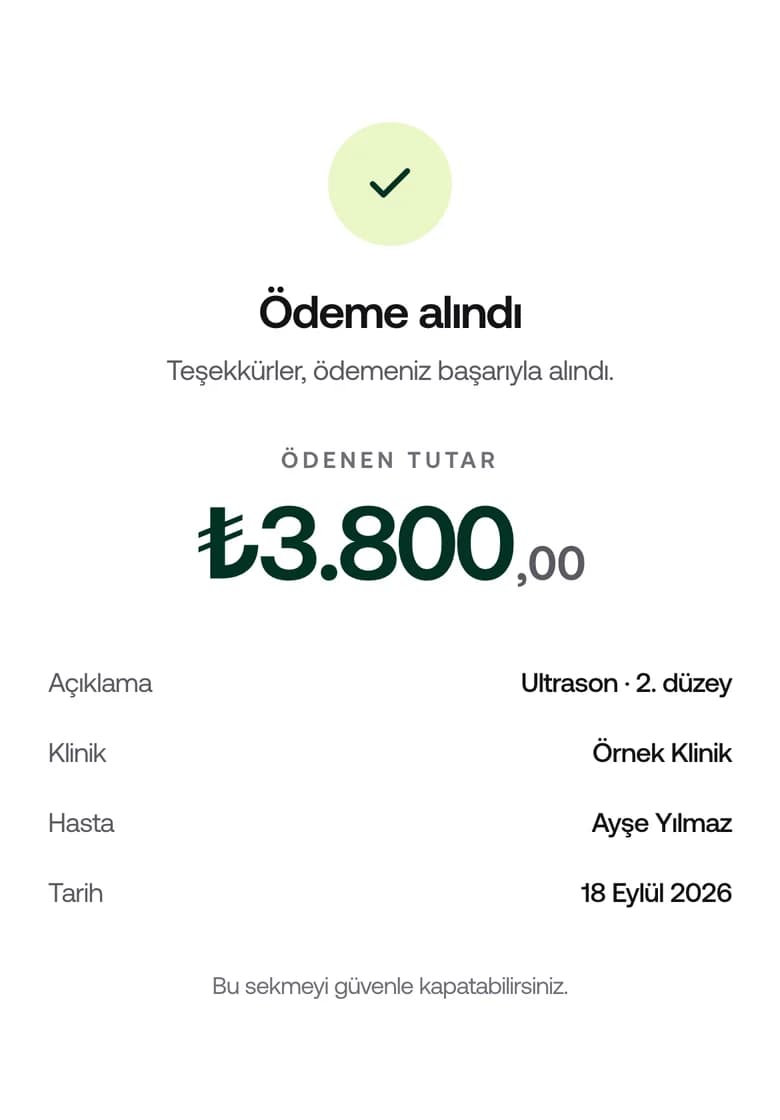
Send your patient a payment link by SMS or WhatsApp. They can pay by card or in instalments. Track the payment and issue the receipt from their file.

  • Physical POS integration and payment links via virtual POS
  • Online card payment and installments
  • e-SMM, e-Archive and e-Invoice
Explore payment options
The payment page the patient opens: amount, installments and card payment
The payment page that opens on the patient's phone; the amount and name are examples.

Collect consent on screen. Keep it in the file.

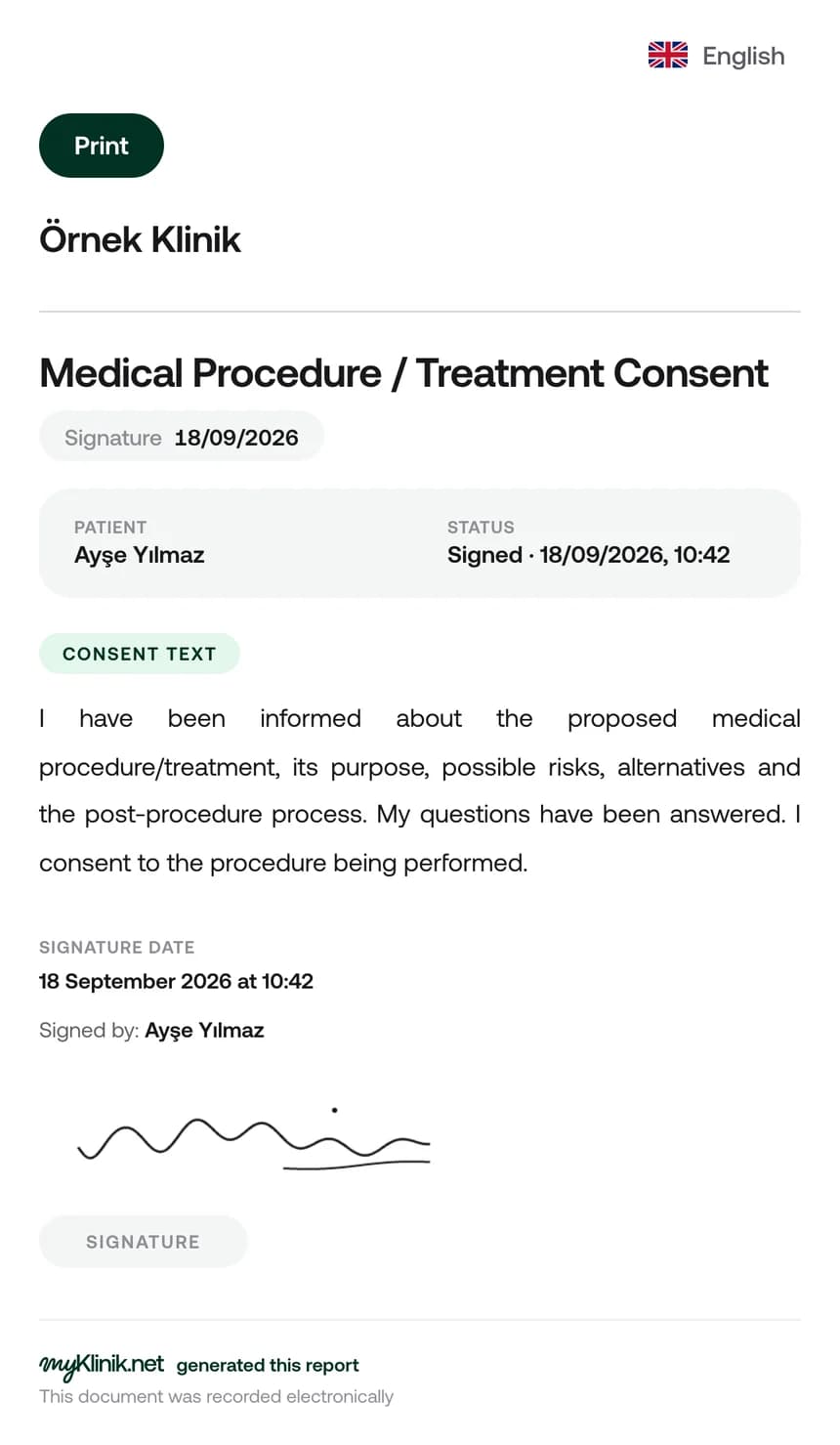
Choose your consent template and have your patient sign on screen. Access the signed document from the patient file and print it when needed.

  • Your clinic's own consent templates
  • Digital consent and on-screen signature
  • Access signed documents from the patient file
Explore consultations and consent
A signed treatment consent in the patient portal

Find the feature you need.

Explore 156 features, from imaging to stock tracking. Use the tools that fit your specialty in the same plan.

Let's plan your switch together.

Let's work out which of your existing records can be transferred. Manage your team's access and keep track of actions in patient files.

See what is transferred at every step.

  1. Confirm which records can be transferred.

    Let's review the data you can export from your current software and agree on what we can transfer before you start.

  2. Review before saving.

    Map the fields in your Excel or CSV patient list. Check any flagged rows in the preview.

  3. Review your import results.

    See added records, skipped duplicates and rows that could not be imported listed separately.

Talk to us about switching

Decide who can access what.

Limit team access by role, use two-factor sign-in and follow actions in the audit logs.

Your patient files and encrypted backups are stored in Turkey. Export patient data from your dashboard whenever you need it.

Read our KVKK and privacy notices to learn how your data is processed, stored and transferred.

One package. All modules included.

Choose your clinician count to see your annual price. Add receptionists and assistants at no extra charge and use all modules in the same plan.

Number of physicians

The number of physicians in your clinic who issue prescriptions and receipts. All other staff are free.

Annual subscription
3physicians
1 physician11+
  • No setup fee
  • No commitment
  • 14-day free trial
  • No card needed for your trial
  • MyKlinik charges no payment commission
Per physician, monthly
₺3,056/mo

3 physicians · total ₺110,000/yr

Included in every plan
  • Bridge and DICOM viewer
  • Voice dictation and AI notes
  • Specialty-specific files and reports
  • Online booking and SMS
  • Physical & Virtual POS
  • Lot / expiry stock
  • iPhone, Android and iPad
  • Physician website and patient portal
  • Unlimited receptionists and assistants
Apply for a 14-day trial

No credit card needed. Your trial begins once your physician application is approved.

Make sure it fits your clinic.

Compare it with your clinic's needs. Know what you can do and what falls outside the scope before you start.

  • Manage your clinic's daily work.

    Use it for patient files, appointments and payments. Inpatient, operating theatre and pharmacy modules are outside the scope.

  • Keep lab results in the patient file.

    Create a request, then enter the result manually or attach it as a document. We do not offer laboratory device connections.

  • Work with your accountant.

    Issue receipts and share income and expense reports. Your accountant continues to handle your bookkeeping.

  • Get listed with your clinician profile.

    Join the clinician directory with your specialty and location. We do not offer paid rankings or patient reviews written on your behalf.

  • Keep track of appointment responses.

    Send reminders and view confirmations and cancellations in your calendar. Follow up based on your patient's response.

Frequently asked questions

Find answers about your trial, switching and day-to-day use.