

Make your page your own.
Choose your theme and add your biography, experience and photos. Check the preview and publish when you are ready.
Request a demoIntroduce yourself and your clinic, and share your available times. Manage online appointment requests from your dashboard and send patients a link to access their documents.
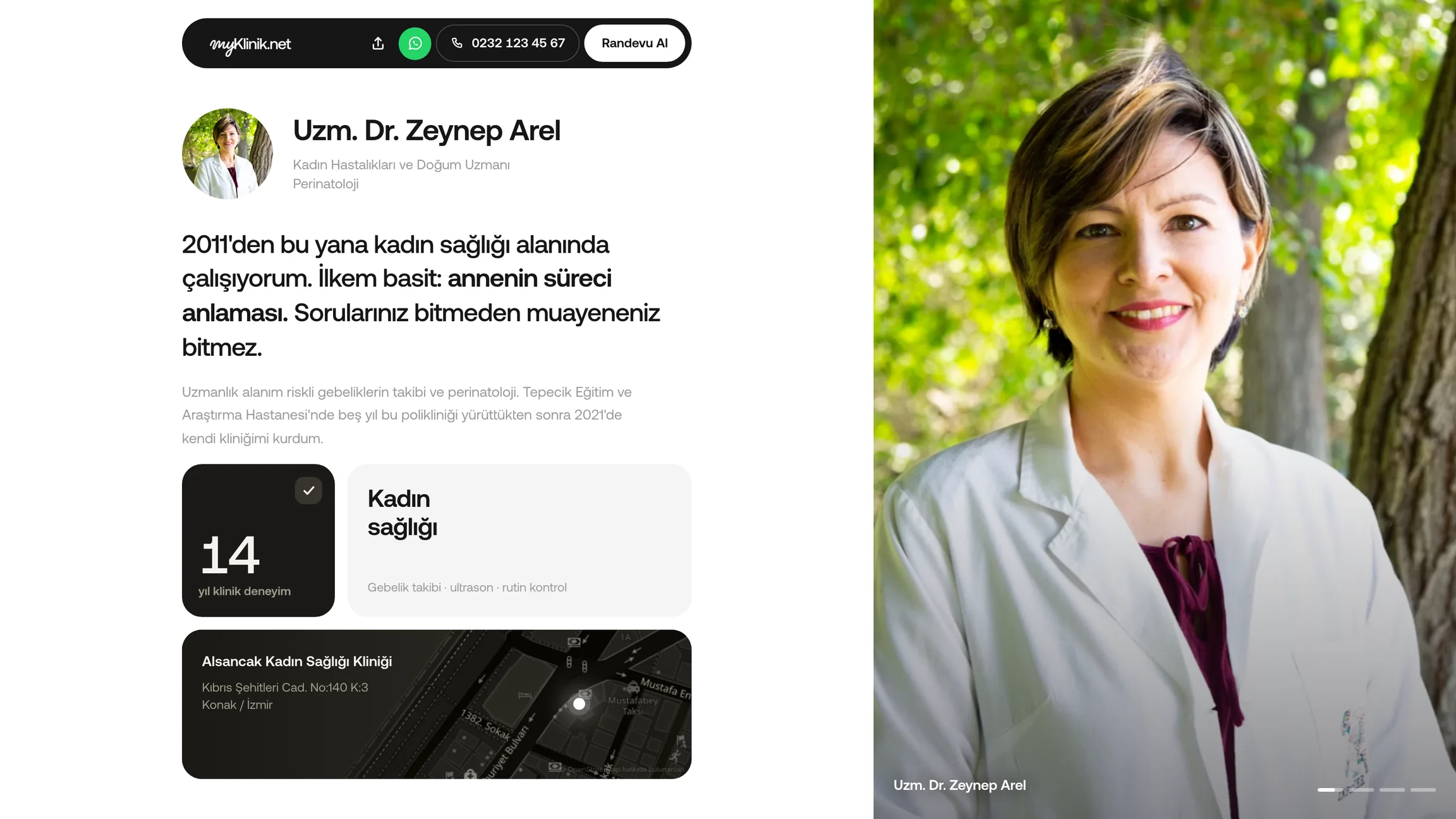
Add your biography, areas of expertise and photos of your clinic. Show your contact details and address on the same page.
Set your services and working hours. Patients choose an available time and verify their phone number; you track requests from your dashboard.
Send the patient portal link by SMS. Your patient can access the documents shared with them on their phone, without downloading an app.
Choose your theme and add your biography, experience and photos. Check the preview and publish when you are ready.
Request a demoReceive bookings as requests for approval, or confirm them automatically according to your settings. Manage your working hours and days off from your dashboard.
Explore the appointment workflowShare the portal link by SMS from the patient file. Your patient can open their documents and images in a browser. Renew the link when needed to invalidate the previous one.
Choose your theme and add your biography, experience and photos. Check the preview and publish when you are ready.
Request a demoReceive bookings as requests for approval, or confirm them automatically according to your settings. Manage your working hours and days off from your dashboard.
Explore the appointment workflowShare the portal link by SMS from the patient file. Your patient can open their documents and images in a browser. Renew the link when needed to invalidate the previous one.
Add your photo, biography and contact details. Check your page in the preview.
Set your services, working hours and confirmation preference. Publish your page and choose whether to list it in the directory.
Share the address of your public page. Send each patient's personal portal link from their patient file.
For your clinic's other needs, explore all features.
No. You can turn your directory listing on or off. If you leave it off, you can still share the link to your physician page yourself.
Set your services, working hours and confirmation preference in the panel. The time your patient selects can arrive as a request or be confirmed automatically, according to your settings.
No. Send the portal link by SMS from the patient file so your patient can open the shared documents and images in a browser.