

Continue with your existing account.
Sign in to your MyKlinik account and open your clinic's patient records and appointments. Work with existing records without creating another patient list.
Download the appCheck your appointments, write a prescription and add documents to the patient record. Use your existing MyKlinik account on iPhone, Android and iPad.
Check your appointments, payments received and stock levels. Open the relevant patient record to continue your work.
Play an ultrasound recording and pause on any frame. Zoom in to examine the image in detail.
Use the side menu to move between the calendar and patient records. Review the record on your tablet's larger screen.
Sign in to your MyKlinik account and open your clinic's patient records and appointments. Work with existing records without creating another patient list.
Download the appEnter medication names, doses and directions, then save your prescription. Select PDFs and photos from your phone to add to the patient record.
Look up active ingredients and prices in the medication reference. When you need help, message the support team from the app.
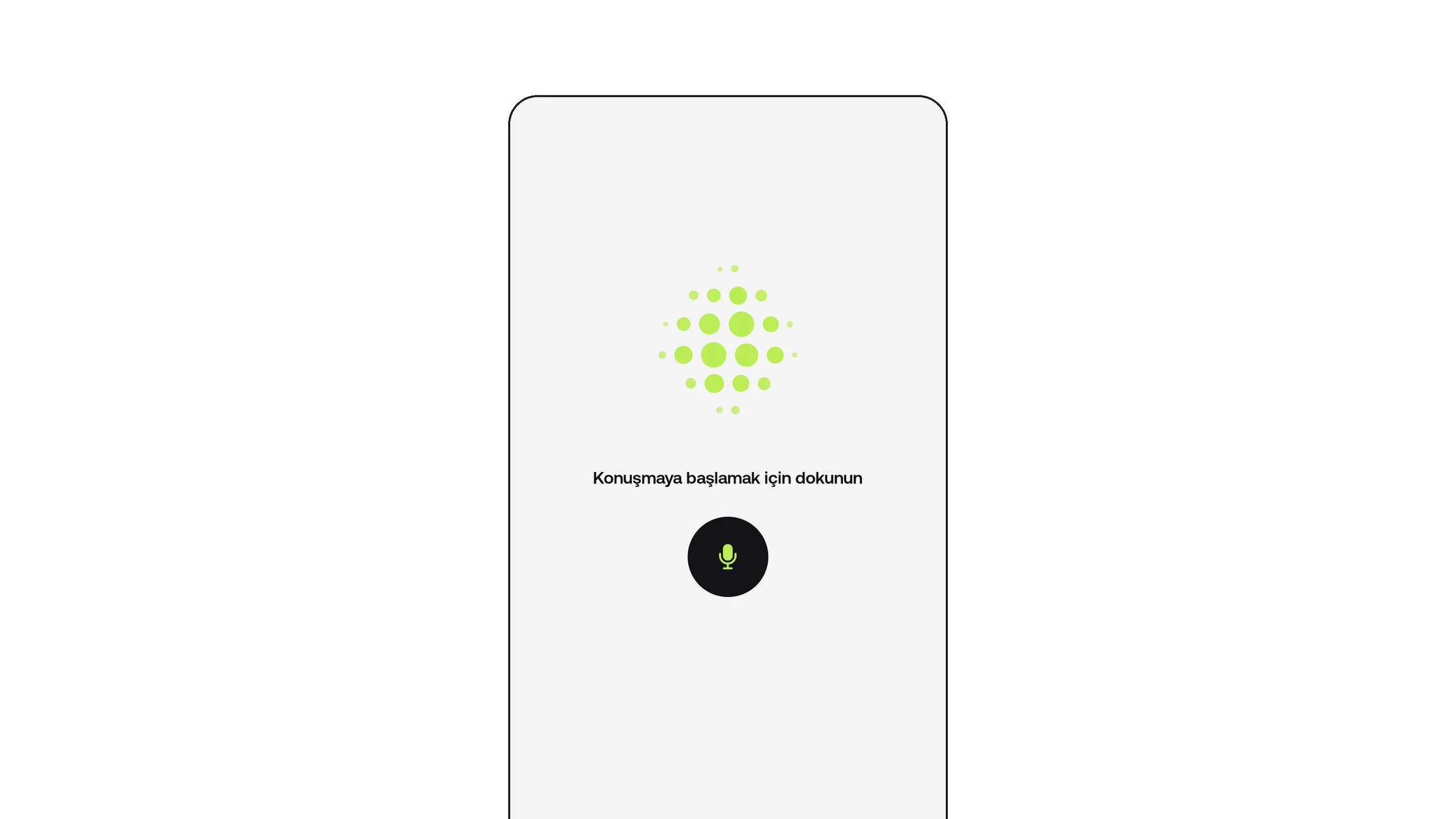
Dictate a consultation note, patient details or appointment information. Check the suggestions against the correct patient and save the ones you approve.
Explore voice dictationSign in to your MyKlinik account and open your clinic's patient records and appointments. Work with existing records without creating another patient list.
Download the appEnter medication names, doses and directions, then save your prescription. Select PDFs and photos from your phone to add to the patient record.
Look up active ingredients and prices in the medication reference. When you need help, message the support team from the app.
Dictate a consultation note, patient details or appointment information. Check the suggestions against the correct patient and save the ones you approve.
Explore voice dictationDownload the app for your iPhone or Android phone. Use the same app to sign in on iPad.
Enter the email and password you use for the web app. If two-step verification is enabled, continue with your verification code.
Find your patient and review their previous records and appointments. Add a new note or document when needed.
For your clinic's other needs, explore all features.
Use MyKlinik on iPhone, Android phones and iPad. Download the app and sign in with the same MyKlinik account you use for the web panel.
No. Use your existing MyKlinik account to open your clinic’s patient files and appointments without creating a new patient list.
Select PDFs and photos on your phone and add them to the relevant patient file. Review the patient’s previous records from the same file.