

MyKlinik product tour
From consultation to payment, in five steps.
Explore without signing up. Choose a step and see how the examples work.
Images from your device, in the patient file.
MyKlinik Bridge connects your device to the patient file. Open images in your browser and review them alongside reports and patient history.
No need to switch to a separate archive to find an image.
Zoom in on the example panoramic image, then fit it back to the screen.
Explore this featureMyKlinik BridgeFrom device to patient file
Connected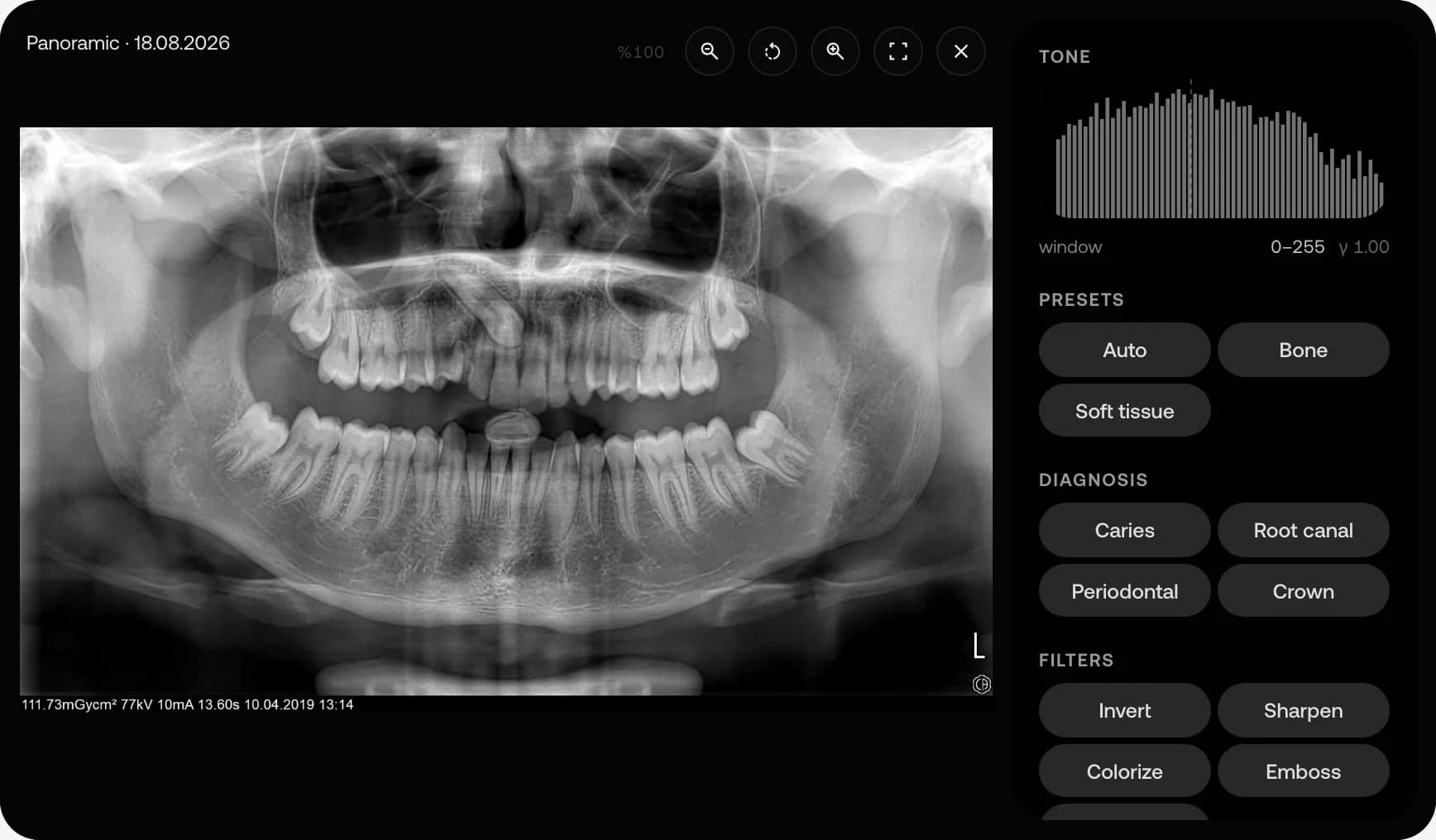
This tour uses interactive examples to show how the product works. It contains no live patient data and does not create records, appointments or payments.
Now try it with your own specialty.
Verify your phone by SMS when requesting a demo. Your access code is sent after your request has been reviewed and approved.